
 Apple Developer Academy
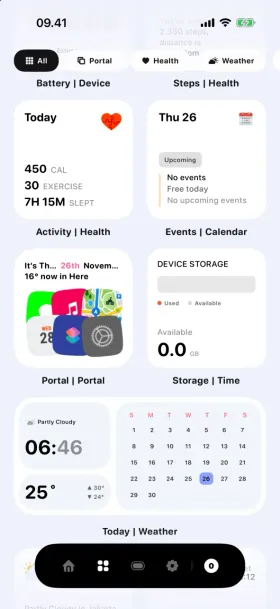
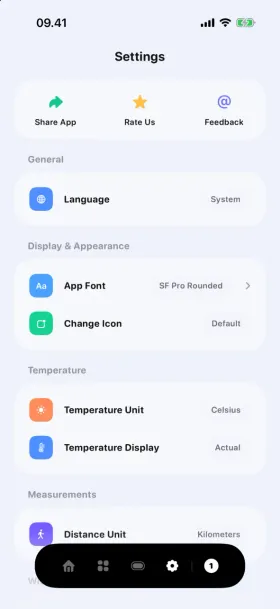
Abstrakt is a library of iPhone widgets. You pick one, change how it looks, save it, and then add it to your Home Screen.
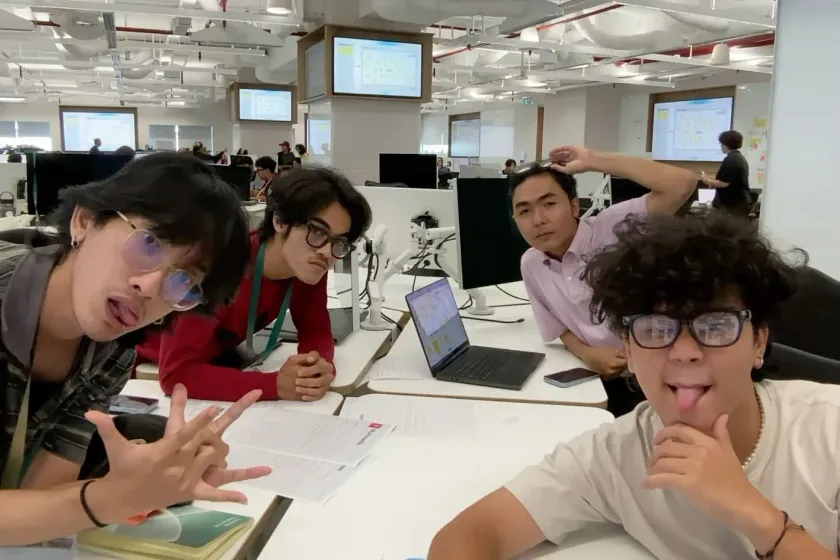
We made it at Apple Developer Academy in a team of four. Each team got a framework to build around, and ours was WidgetKit. We looked at the widgets that come with iOS and thought we could make them look better and let people shape them the way they like. So we used them as a starting point, redesigned them, and played with what data we could show.
What the app does
- A gallery of widgets you can browse by data type, like health, weather, calendar, battery and storage.
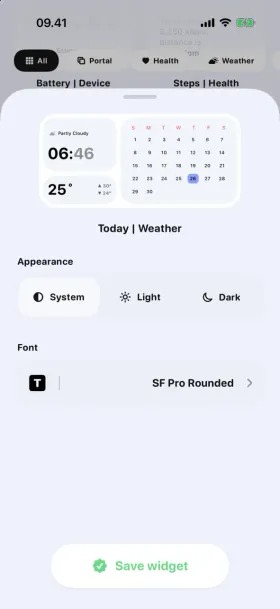
- Open a widget to change its look. You can pick light or dark, the font, and for some widgets which apps they show.
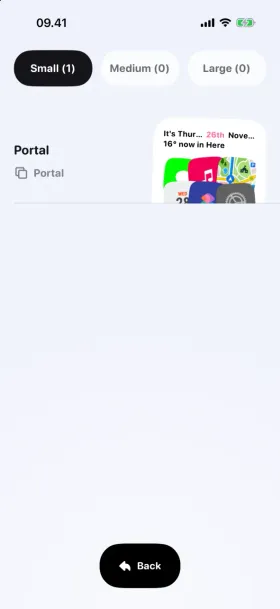
- Save it to your library, where your widgets are sorted by size.
- On your Home Screen, add the Abstrakt widget and choose one of your saved widgets.
- Widgets show real data from your phone, like your steps from Health, the weather where you are and your next calendar events.
What I did
- Set up the base of the app: the App Group the app and the widgets share, the shared data, the themes, and the starting point for the widget extension.
- Built the device storage widget, and the heart rate widget that reads from HealthKit.
- Translated the app into Indonesian, Spanish and Brazilian Portuguese, and added a language picker in settings.
- Added the app icon picker and the share sheet in settings.
What I learned
Getting data from the app to the widget was the hardest part. A widget runs on its own, apart from the app. It can’t ask for permission, and it can’t keep its own settings. So the app asks for permission and saves everything to a space both of them can read, and the widget just draws what it finds there. Widgets also don’t update live. You give them a timeline of when to refresh, and if you refresh too often you drain the battery.
Why I like this one
Most of my projects start with a user or a market. Abstrakt started with four of us wanting nicer widgets, so we built the thing we wanted. The team was a lot of fun too. We put it on TestFlight at the end of the challenge.
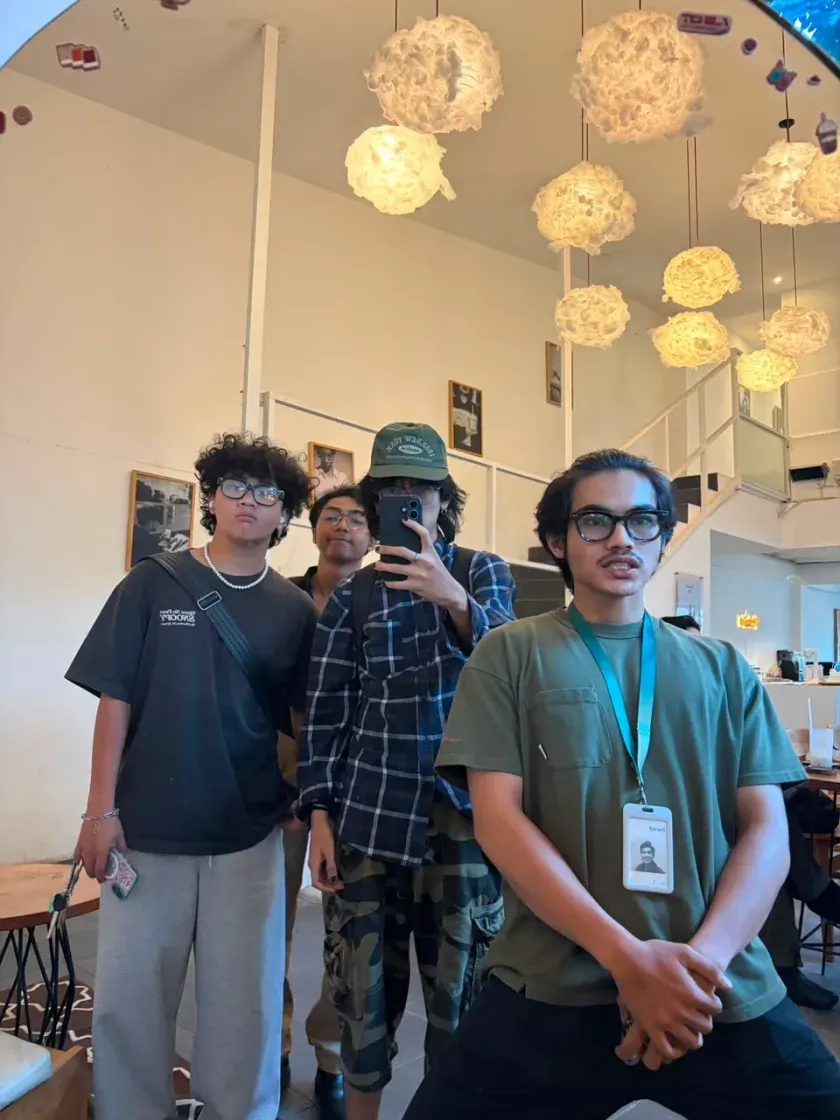 Team Coffee Pose, out for coffee